Artificial high directionals two ways — your aerial as the high point, and the portable kit. Know the parts, build the rig, see where the load actually lands, and teach the whole thing off one screen.
Open to anyone — no email, no account, nothing to install.


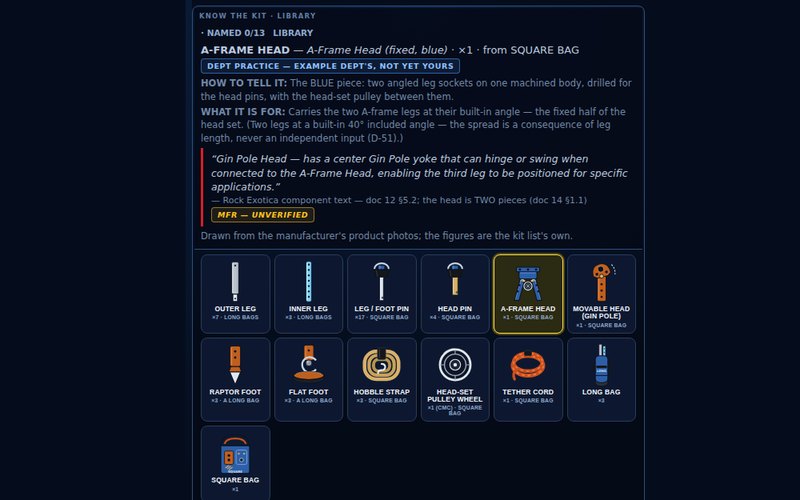
Thirteen cards for the Vortex — how to tell each part, what it's for, and the manufacturer's rule that governs it. Name That Part hides the names.
Any order you like or the suggested path. The ball-lock check is a step, and LOAD IT stays dead until the inspection is ticked.
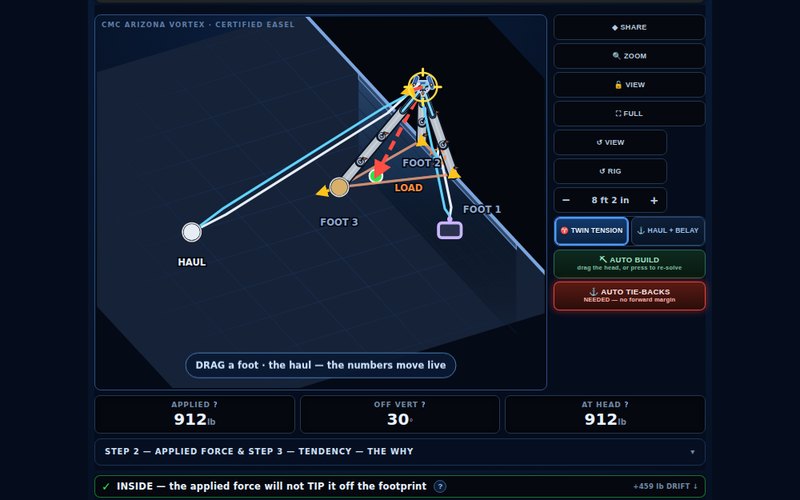
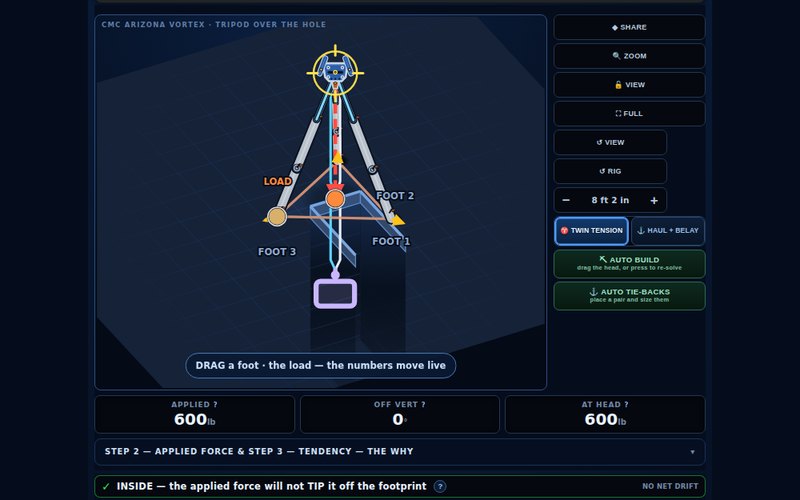
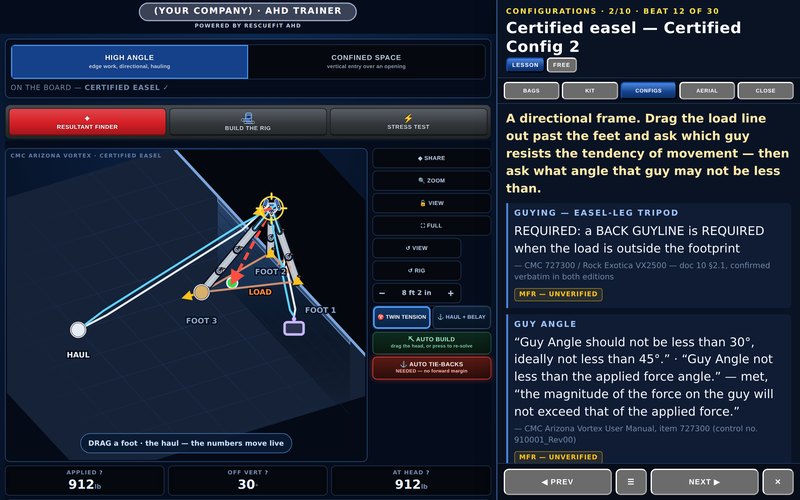
Drag the head, move a foot, guy it, and watch the resultant move. Seven portable forms, plus your aerial as the high point.
Thirty beats in teaching order. LESSON drives the screen; FREE hands you the app and the strip follows. A USB clicker runs it.

Leg loads, guy tension and the angle band, live, on a rig you're changing while you look at it. Auto tie-backs place a splayed pair sized to bring the line of action back over the footprint — or refuse, name the guy that is missing, and say why.
The manufacturer's six-step process is the screen: mode of use, applied force, tendency of movement, securing the feet and the head, guy angles, test load.

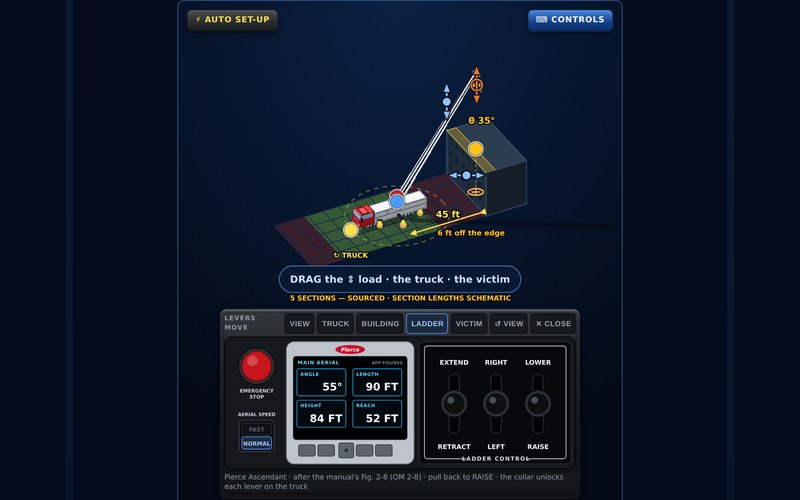
Crane mode and rope-system mode are two different jobs, and the app treats them that way. Setback, tip load, the edge zone, and where the truck has to sit for the pick to work.
Five scenarios to place it against: a building, a bridge, a pier, over an object, and reaching up to a walkway from underneath a bridge.

A DATA screen with eight statuses — manufacturer text, department practice, field estimate, derived, placeholder, not-yet-sourced — so a number that isn't verified is labelled instead of hidden.
The number checks run every time the app opens and say on screen if any fail. It writes nothing to your device: no cookies, no local storage.
Open to anyone — no email, no account, nothing to install.
The app itself: fireground.training/ahd/app. ← All the apps